
Made for product videos
AI product video generator
A product video shows what a photo cannot: the pour, the texture, the fit, the product in use. SupaSwirl turns your product photo or product page into moving product shots, or a finished ad around them.
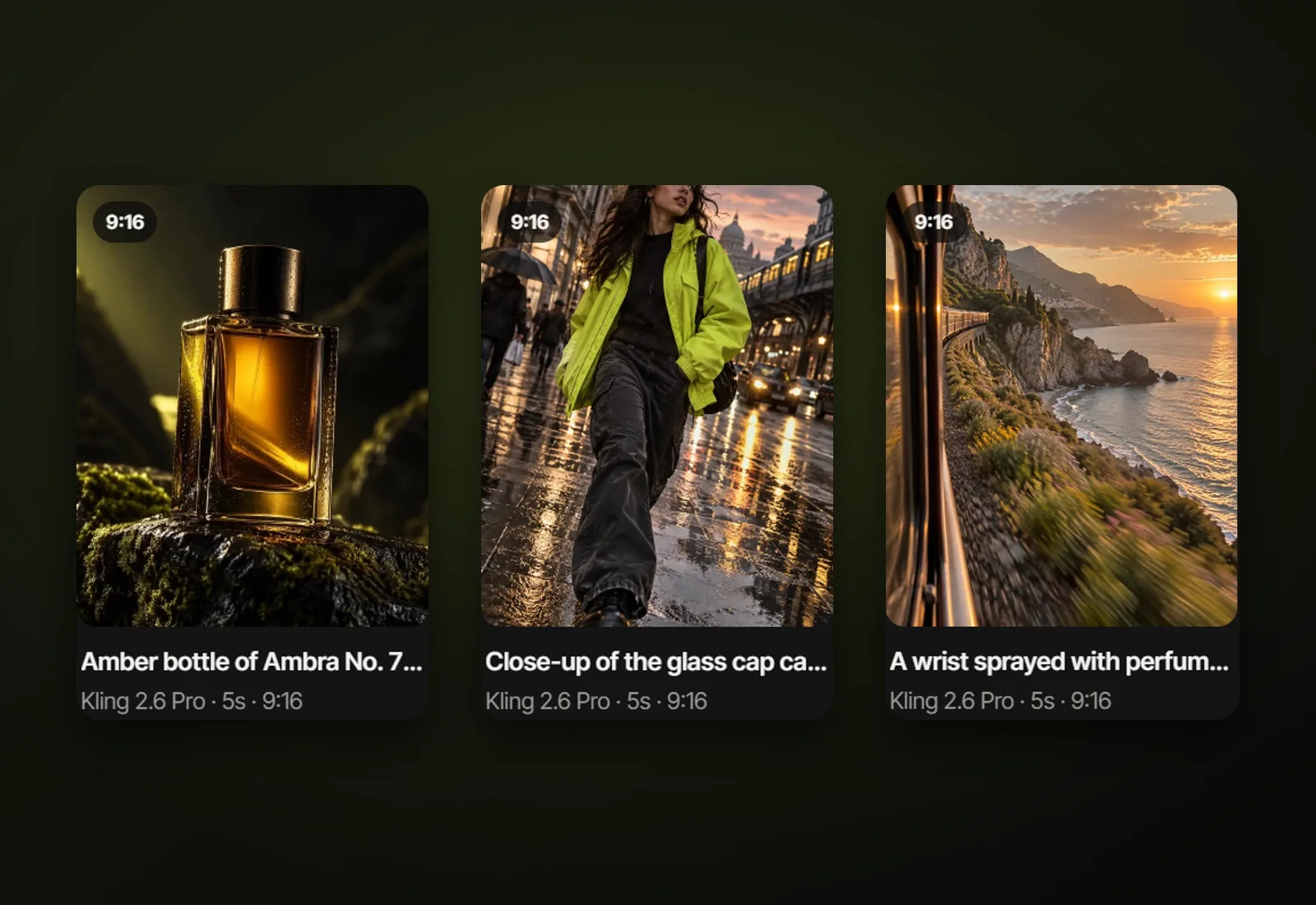
Two ways to make a product video
- One product shot
- Create video: your product photo plus a sentence about the movement, like "slow push-in, condensation runs down the bottle". Up to 15 seconds, depending on the model.
- A finished product ad
- Ad builder: paste the product link. Shots, voice-over, captions, logo and end card, 15 to 60 seconds.
Product shots that work
- Pour and splash: drinks, sauces, cosmetics.
- Slow turn or push-in on a clean surface with soft light.
- The product in use: on a person, in a kitchen, outdoors.
- Before and after, for products that change something.
Keep the product true
Your photo guides the video, but AI can change labels, shapes or small details. Review every shot before posting and remake anything that misrepresents your product.
What it costs
Planning an ad is free, and you see the exact price before anything is made. Shots are made with credits from your plan or a credit pack, and if a shot fails its credits come back automatically. Captions, text, your logo, the end card and your own music are free.
Questions
Can AI make a video from one product photo?
Yes. Add the photo in Create video, describe the movement and choose a model. The photo becomes the first frame of the video.
Which model is best for product videos?
Kling 2.6 Pro is the reliable, affordable choice; Veo 3.1 gives premium light and realism; Seedance 2.5 suits products in motion. Every model shows its price before you make the clip.
Can it read my product page?
Yes. Paste a public product link into the Ad builder and it imports the name, details, price and main photo.
Updated 10 October 2026