
Made for real estate
Video ads for real estate agents and listings
Buyers scroll listings on their phones. SupaSwirl turns the photos you already have into a short property video with slow camera moves, the key facts on screen and your logo at the end.
The problem
Every new listing deserves a video, but booking a videographer for each one is slow and costly. Most listings end up with photos only, while buyers spend their time on short vertical video.
Ideas for property ads
- A walkthrough feel: one slow push-in per room, from your real photos.
- Just listed: the best photo first, the price and area on screen in the first second.
- Open house: the date and time as text, and your contact details on the end card.
- The agent: a short creator-style video introducing the listing in your words.
Never misrepresent a property
Start every shot from a real photo of the property and keep the camera move simple. AI can invent windows, change views or add furniture; remake any shot that shows something that is not there. Many markets have strict rules on property advertising, so check yours and label virtual or AI-assisted images where the rules ask for it.
What it costs
Planning an ad is free, and you see the exact price before anything is made. Shots are made with credits from your plan or a credit pack, and if a shot fails its credits come back automatically. Captions, text, your logo, the end card and your own music are free.
Questions
Can I make a property video from listing photos?
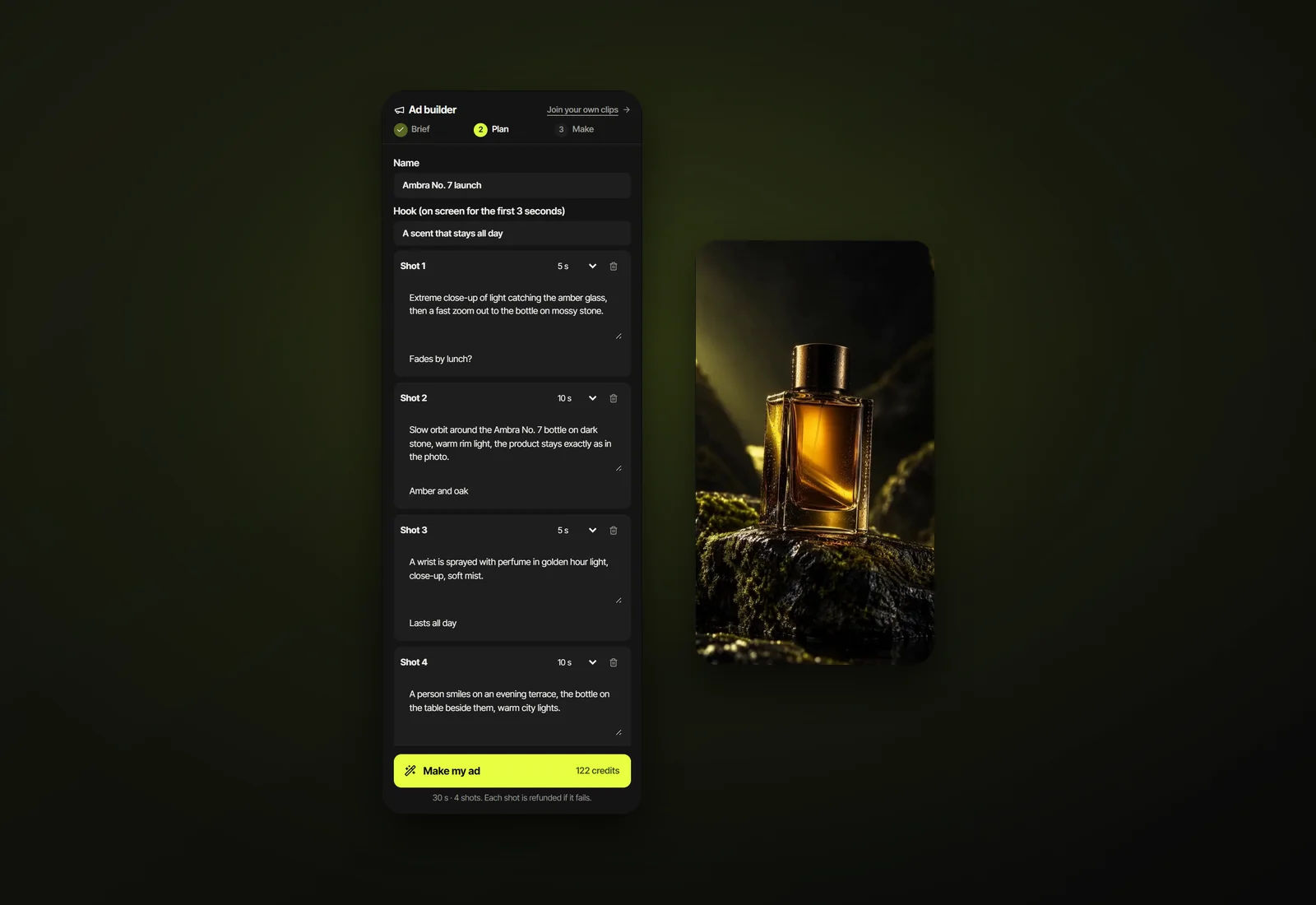
Yes. Each photo becomes the start of a short shot with a camera move you describe. Join the shots in the Ad builder with a voice-over, text and your logo.
Can AI stage an empty room?
It can add furniture, but that shows something the buyer will not get. If you use it, label it clearly as virtual staging and follow your local advertising rules.
Updated 11 October 2026